

When I originally switched to WordPress from blogger or whatever, I briefly used, WordPress.com, before moving to self-hosted WordPress. I’m writing this post on the second site I created. My main goal was to snag some cool .blog.wordpress sub-domains I may use and do some research on how on how other WordPress companies help new users.
Better Than WordPress In Many Ways
I created two sites using the new .blog subdomains. The first one I did using Chrome for Android on my Pixel 2. It was also late at night and I was fairly medicated. I found it confusing. Today, I created a second site using Chrome on Desktop and was super impressed.
On mobile, I had some trouble figuring out how to create a free site. On mobile you could easily flip between the paid price options and it was hard to find the free option. I don’t blame a company for trying to get people to pay money for their product. My plugin isn’t pushy enough in upsells, but I don’t want to be terrible so, I look at how others handle upselling during install vs after purchase.
Today when I created this site, using my desktop it was super clear how to choose the free option. After I created the site, I saw this:
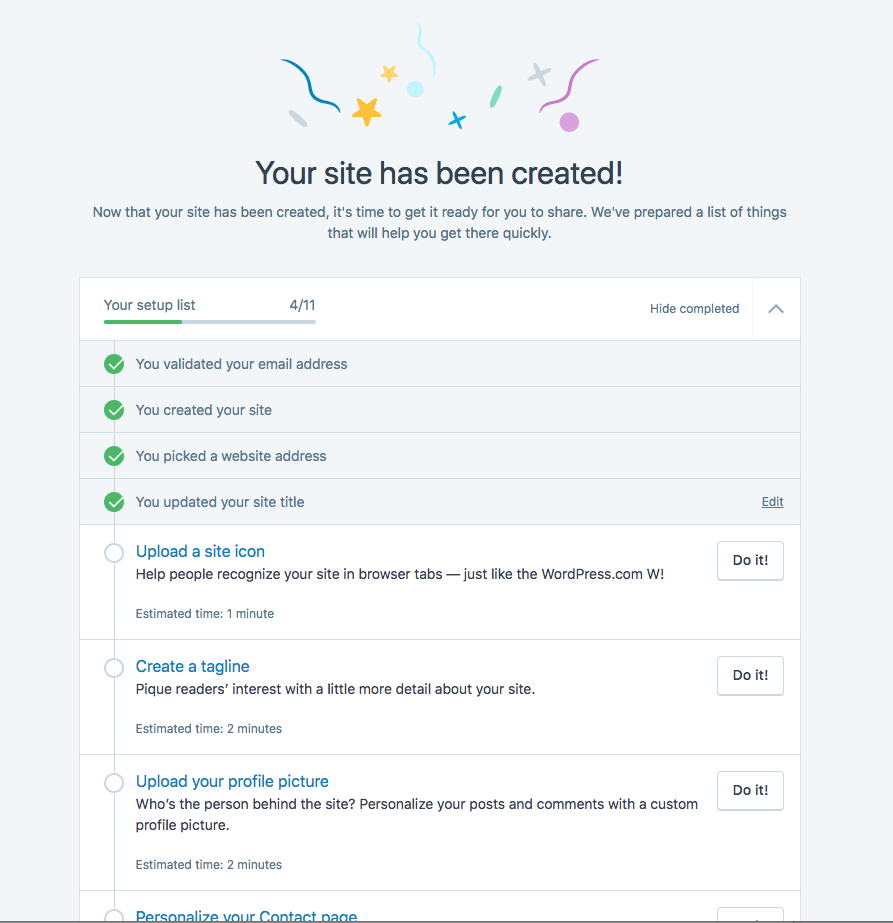
When doing research on user interfaces, I think it’s important to imagine you have no idea how the product works. This tells you how what to, why its important, how long it takes and give you a button to go right to the settings page. I love it.
WordPress should have a screen like this. My plugin should have a screen like this. We get these support requests from folks that are basically “I bought your thing, I can’t figure out what to do next” and I get upset. So we’re working on redoing the interface for Caldera Forms Pro to solve these problems, which is why I’m looking at WordPress.com’s on-boarding for inspiration.
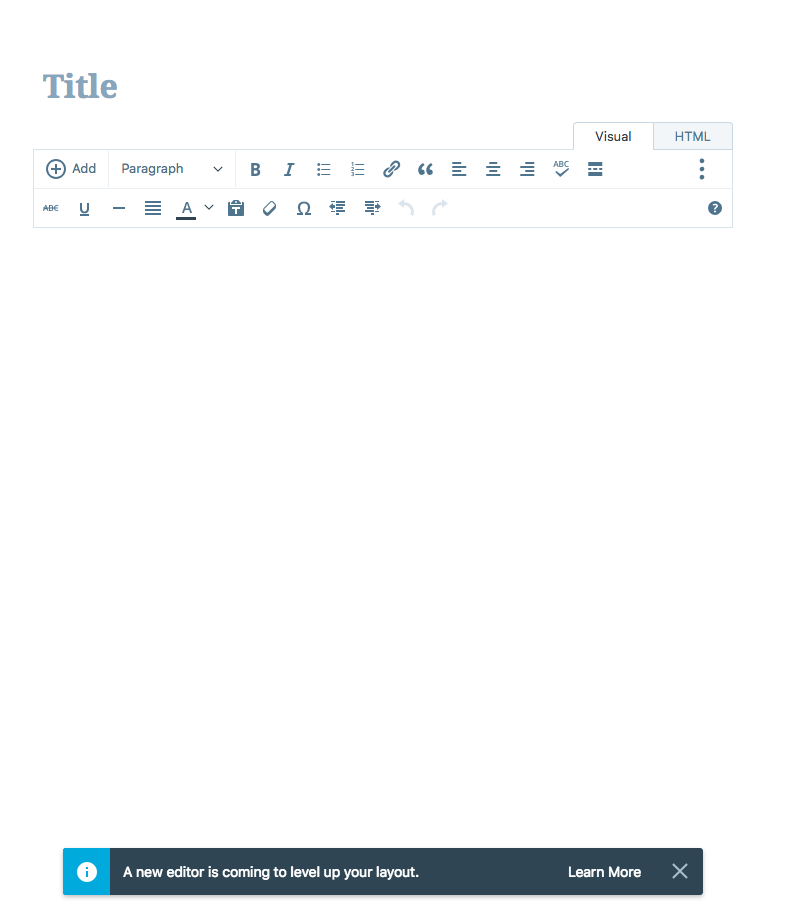
WordPress.com does not default to the standard WordPress “classic” editor. It defaults to their own “calypso” editor with an option for the new “Gutenberg” editor. The terminology is confusing, but the switchover from Calypso to Gutenberg is just a lot less of a change than it is when using WordPress.
There is callout in the editor to try Gutenberg that looks like every other app’s “Hey try our new thing that we’re testing” call out.
Overall, I think moving from WordPress.com Calypso to WordPress.com Gutenberg is just a much smoother and less jarring experience than it is moving WordPress classic editor to Gutenberg.
Usability
I really like Gutenberg for writing. I refuse to write using the classic editor and will use Google Docs to write any post for a site that does not have Gutenberg. I think WordPress.com’s Calypso is pretty clean and easy to use. Gutenberg is better, for me.
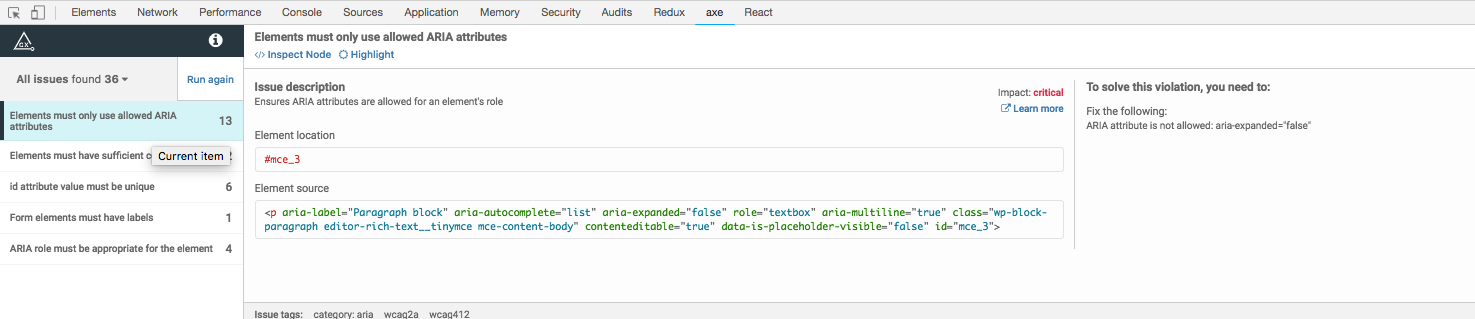
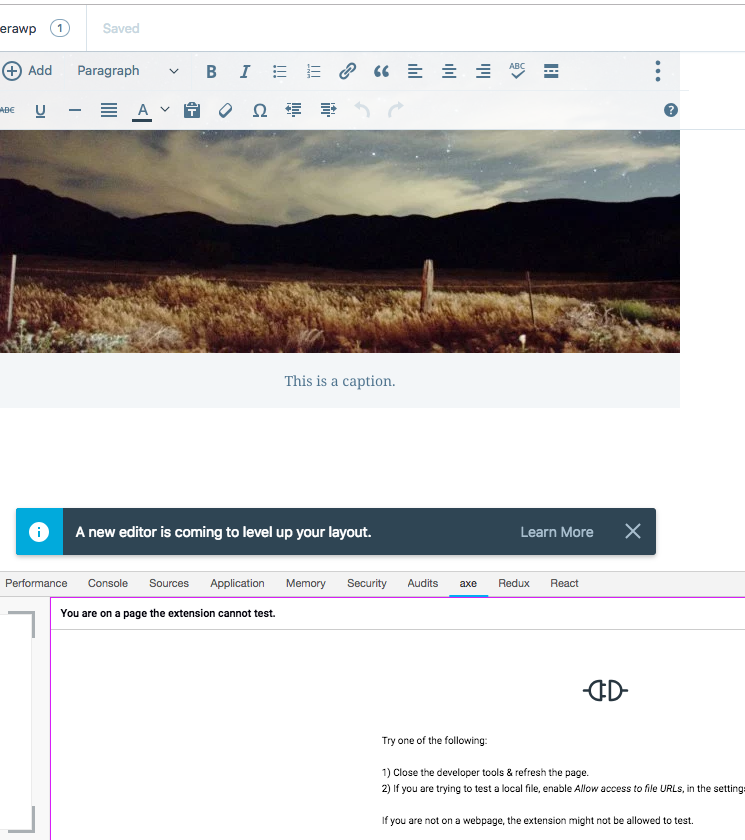
When doing research on user interfaces, I think it’s important to examine how people with disabilities use or may not be able to use the interface. I’m especially sensitive to color contrast issues because I am color blind and use multiple blue light filters to prevent my screens from giving me migraines. I could not get the aXe Chrome extension to analyze run when editing with Calypso. I was able to scan when writing with Gutenberg and saw a lot of critical issues.
I’m not an expert on accessibility, but I really wish that the captions in WordPress worked like the ones on WordPress.com. Look how much easier it is to read this caption:
Why Do I Self-Host My Personal Blog?
I have a personal blog JoshPress.net that costs $35/ month so I can post 2-4 times a year. I’d much rather pay for the lowest-tier WordPress.com site and migrate my content. Now that they have Gutenberg, I will probably do that.
Also, I donated to the WPCampus accessibility audit for Gutenberg and you should to.

 Josh
Josh 